iPhone Contacts Missing – How to Fix

If you are an avid phone user, chances are you have come across a frustrating bug on your phone before. A very common one with iPhones is contacts disappearing for no apparent reason.
If you check online forums, you will find complaints from a lot of iPhone users concerning this issue. If you are having it right now, fear not, there are simple steps you can take to reverse this occurrence. Here are some of them:
Method 1: Sign out of iCloud and Sign back in
The first thing to do is to navigate to your phone Settings app and click on iCloud.
Next, scroll to the bottom of the page and click on Sign Out.
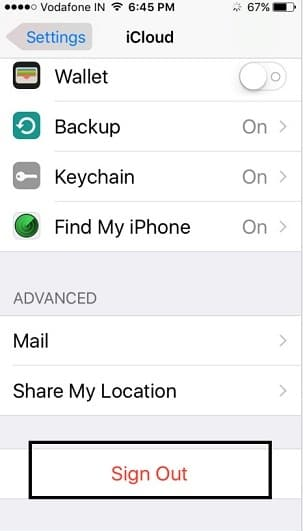
Lastly, sign back in to your iCloud account.
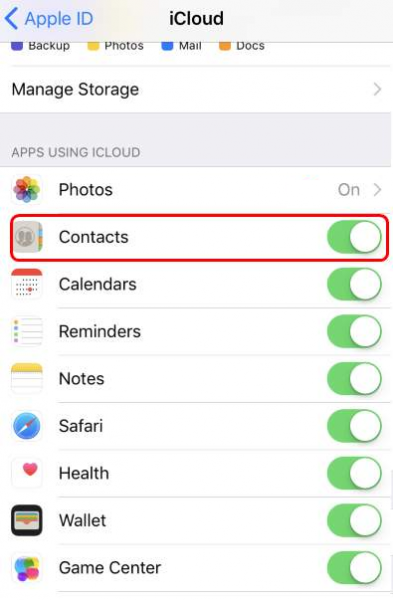
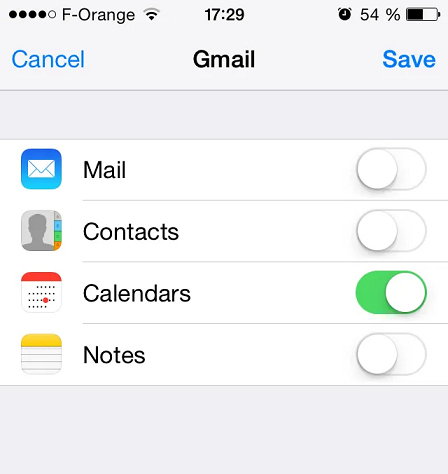
Check to make sure that the toggle for Contacts is turned on.
Method 2: Disable Contacts in iCloud and Turn on again
Again, navigate to Settings and click on iCloud.
Next, turn off the toggle for Contacts.
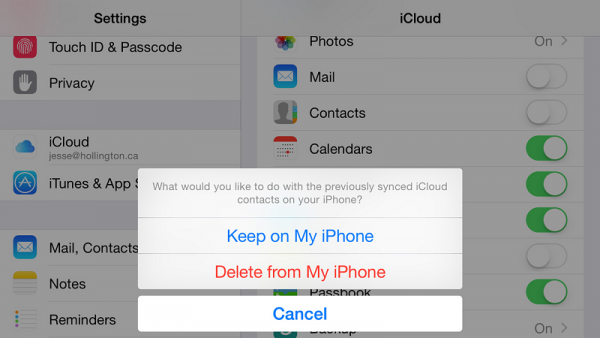
You might be prompted to remove the previously synced contacts. If this happens, choose the Delete from My iPhone option. That way, the contact will be removed from only your device and not iCloud.
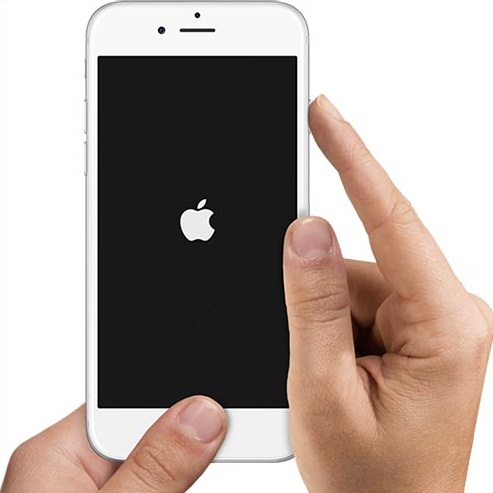
Next step is to force reboot your phone.
You can do this by pressing the Sleep and Home buttons simultaneously until the phone restarts. If you use an iPhone 7 or iPhone 7plus, then you have to press the Home and Volume Down button simultaneously to restart the phone.
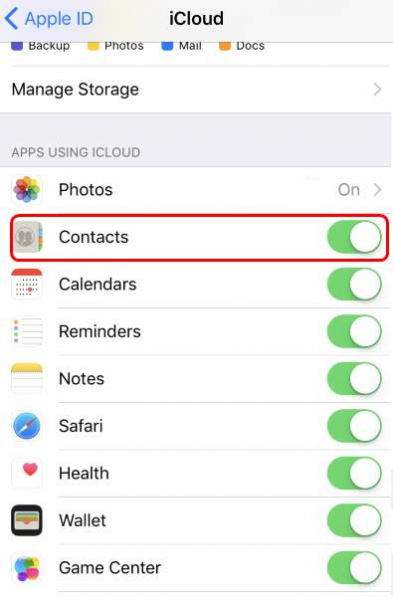
Lastly, go to Settings and click on iCloud.
Toggle Contacts back on.
Daily backup of my contacts
To ensure that you never lose your contacts, you need to download a smart address book app, to save yourself time and frustration. Covve keeps daily backups of your contacts which you can then retrieve in ExcelCSV format, going back to the very day you installed the app.