
Covve Portal
Every lead captured, every field mapped to your CRM, and real-time analytics while you're on the event floor — all managed from one place, without the complexity.
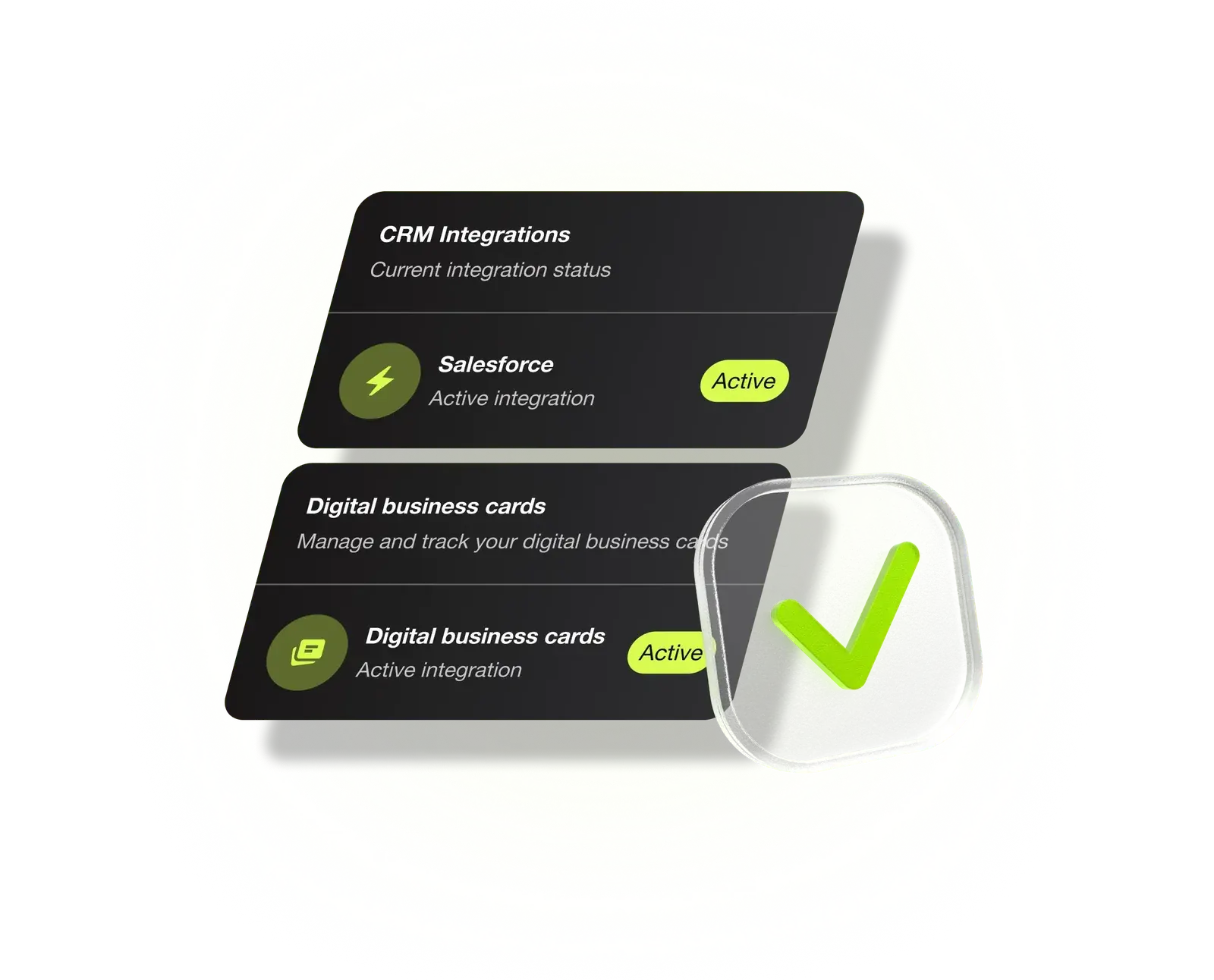
Why use Covve Portal?
As teams grow, managing leads and performance gets complex.
Covve gives you one place to oversee it all, from the first scan to the follow-up.
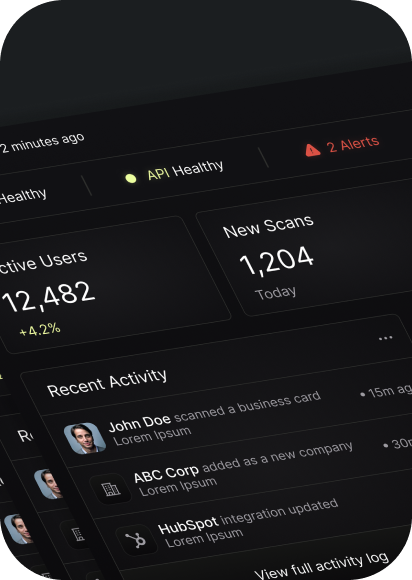

Live performance tracking
Track lead capture performance while your team is still on the trade show floor. Spot what's working, identify gaps, and take action before the event ends.

Every lead, in one place
All contacts captured by your team sit in one central view. Review, filter, and act without disrupting existing workflows.

Built around your business
Define custom fields, map them to your CRM, and ensure every lead is captured consistently across your team.

Zero disruption
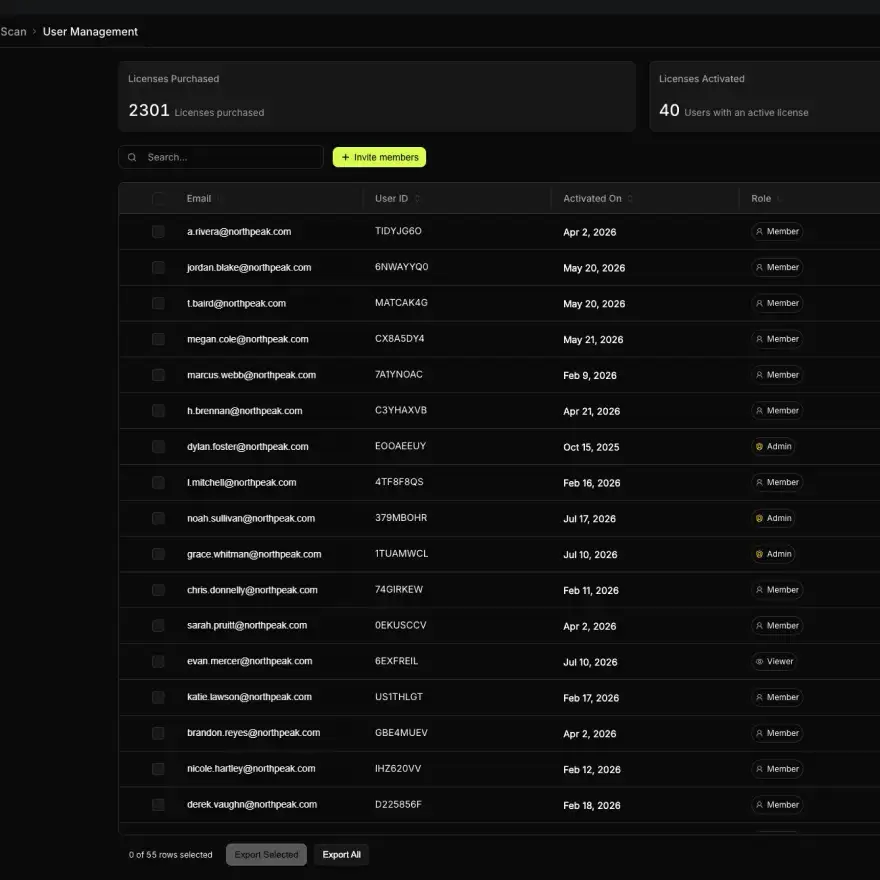
Add or remove users as your team changes, reassign seats, and see exactly how licenses are being used — all without delays.
Gain complete visibility over your team's leads and performance — without the complexity.
Real-time performance tracking
Monitor team activity, track lead capture performance, and get a clear picture of what's happening across your entire team in real time.
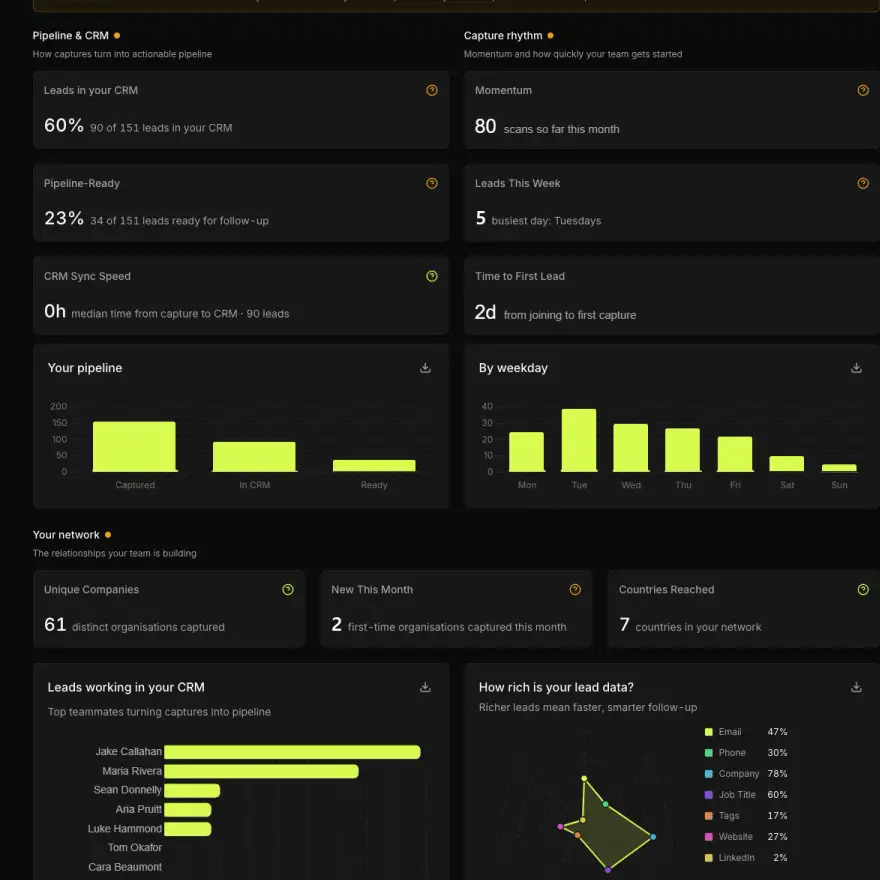
Central access to all leads
Every lead your team captures sits in one place. Review, filter, and manage contacts across your organization from the web-based Covve Portal.
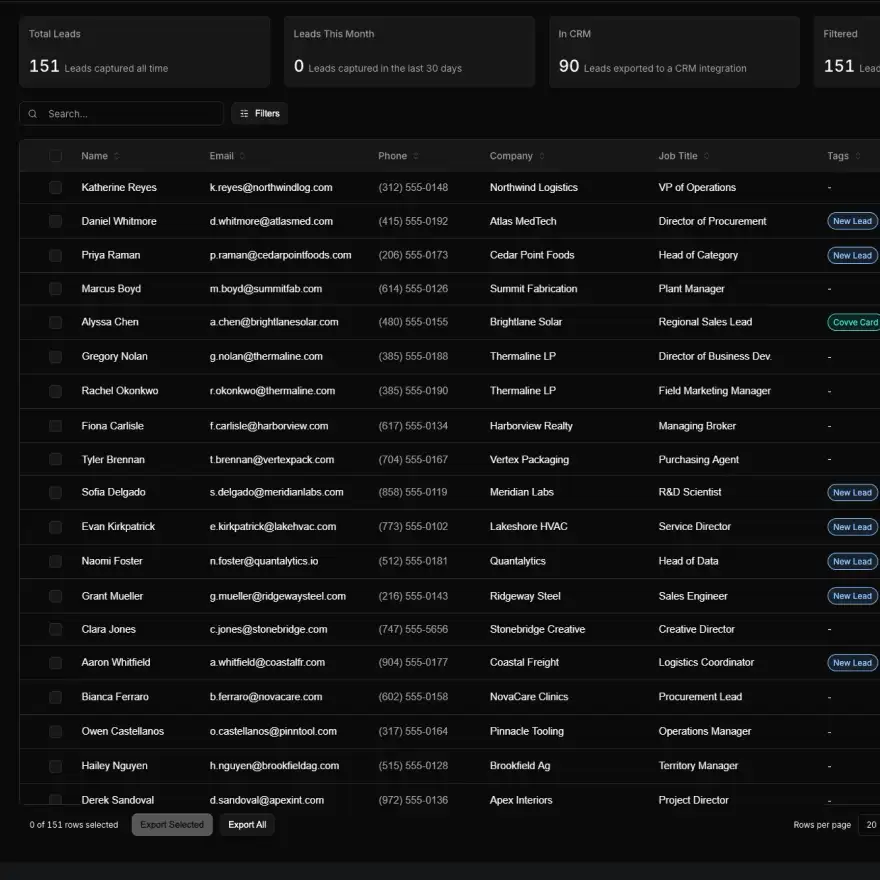
Capture what matters to your business
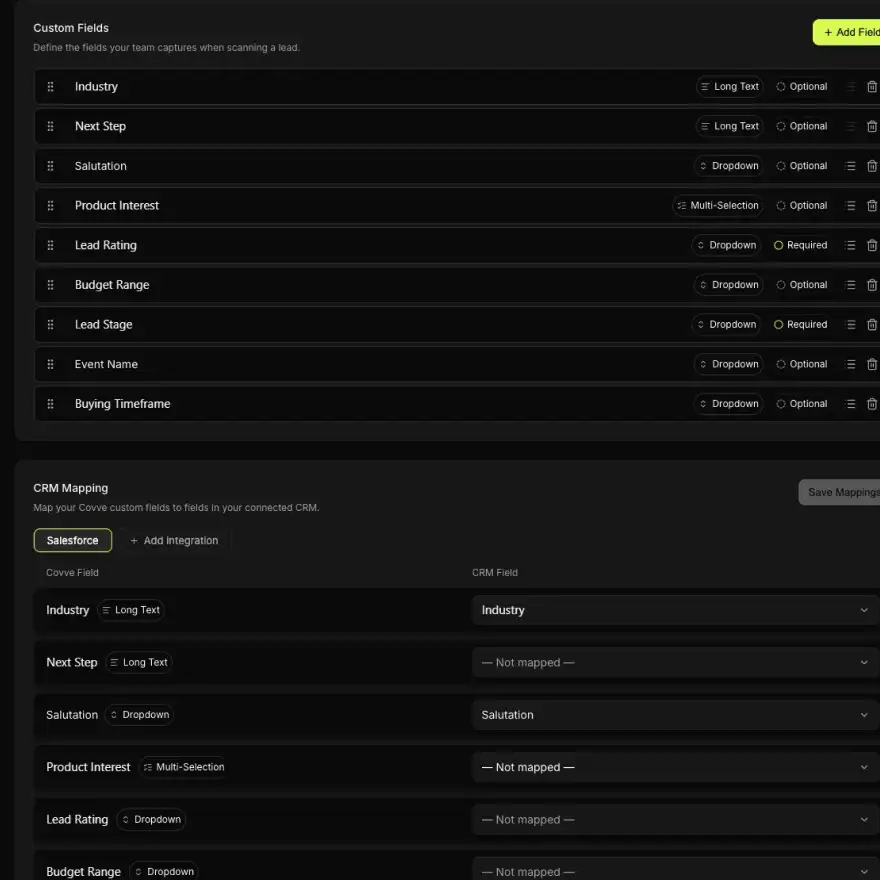
Create custom fields in any format, mark them required or optional, and map them directly to your CRM. Manage all fields centrally from the web-based Covve Portal.
Manage your team with ease
Add and remove users, reassign seats, and manage access across your organization, all from one place.


Automate lead capture, reduce errors, and cut manual work with Covve.
Ask us anything
Here are our FAQs. If you have any other question, contact us.
The web-based Covve Portal is where admins see every lead their team captures, in one place. You follow lead capture live during an event, review, filter and export all contacts centrally, manage users and seats, and map custom fields to your CRM. Every event’s results are ready the moment it ends, with no spreadsheets to merge or team members to chase.
Yes. You can request additional licenses and onboard new users directly from the Covve Portal, without needing to contact support for every change.
Yes, export data in CSV or Excel for reporting, audits, or internal analysis.
Yes. Covve Enterprise adds SSO, audit logs and a 99.95% availability SLA to the Covve Portal, with central invoicing and a dedicated account manager. If your company needs these for a rollout, talk to the Covve team about a setup that fits your organization.
Yes. Covve is ISO 27001 certified, GDPR compliant and rated CyberVadis Platinum. Every lead your team captures is encrypted in transit and at rest, so you can share and sync contacts knowing your data and your customers’ data stay protected.