
Custom fields
Capture every detail you need, your way. From lead source and deal value to next steps, Covve fits your workflow, not the other way around.
Why use Custom Fields?
Create custom fields that are mapped straight to your CRM, feeding your existing workflows.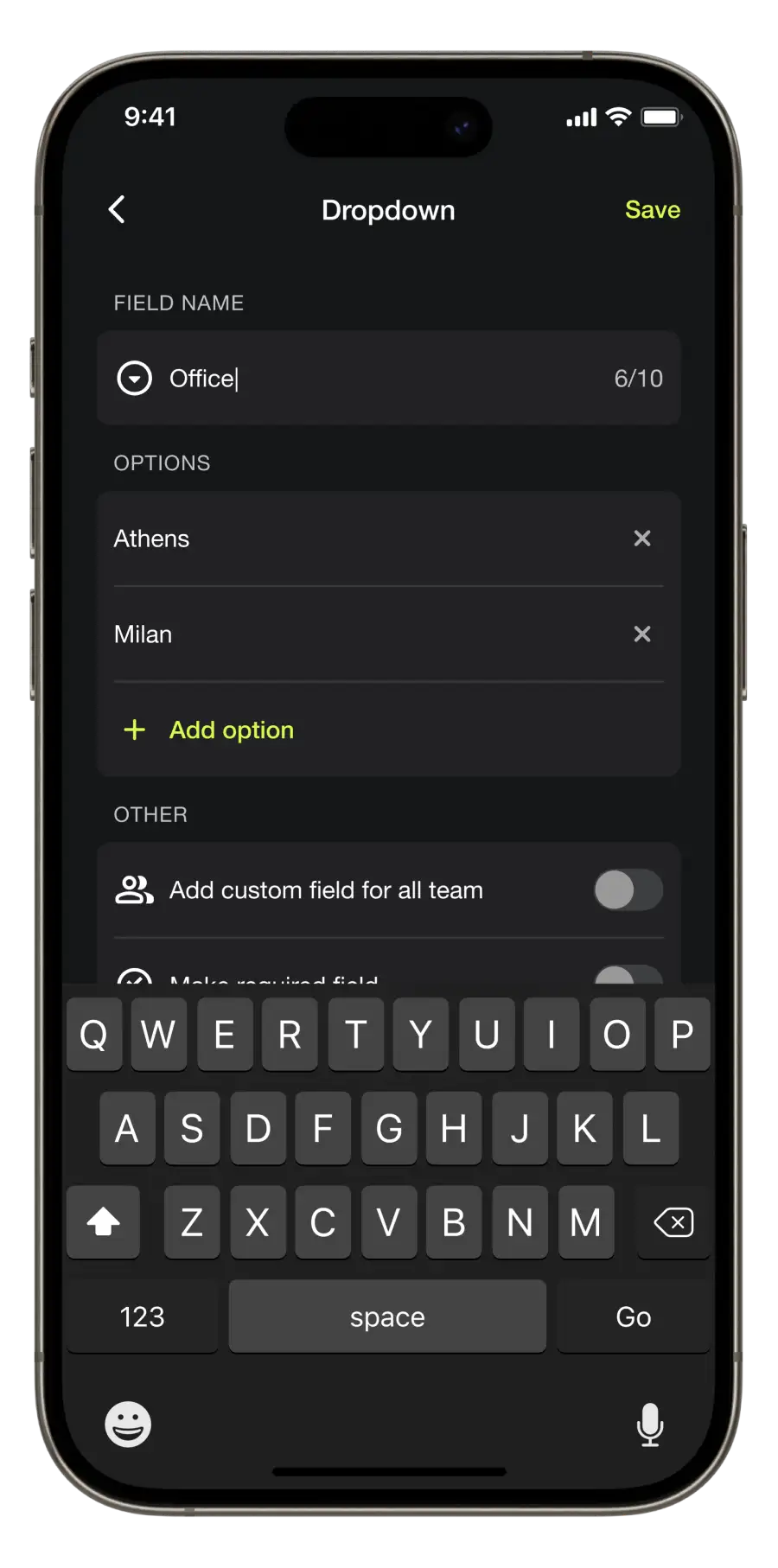

Advanced organization
Gather and track important lead data in a way that makes sense for you.

Fully customizable
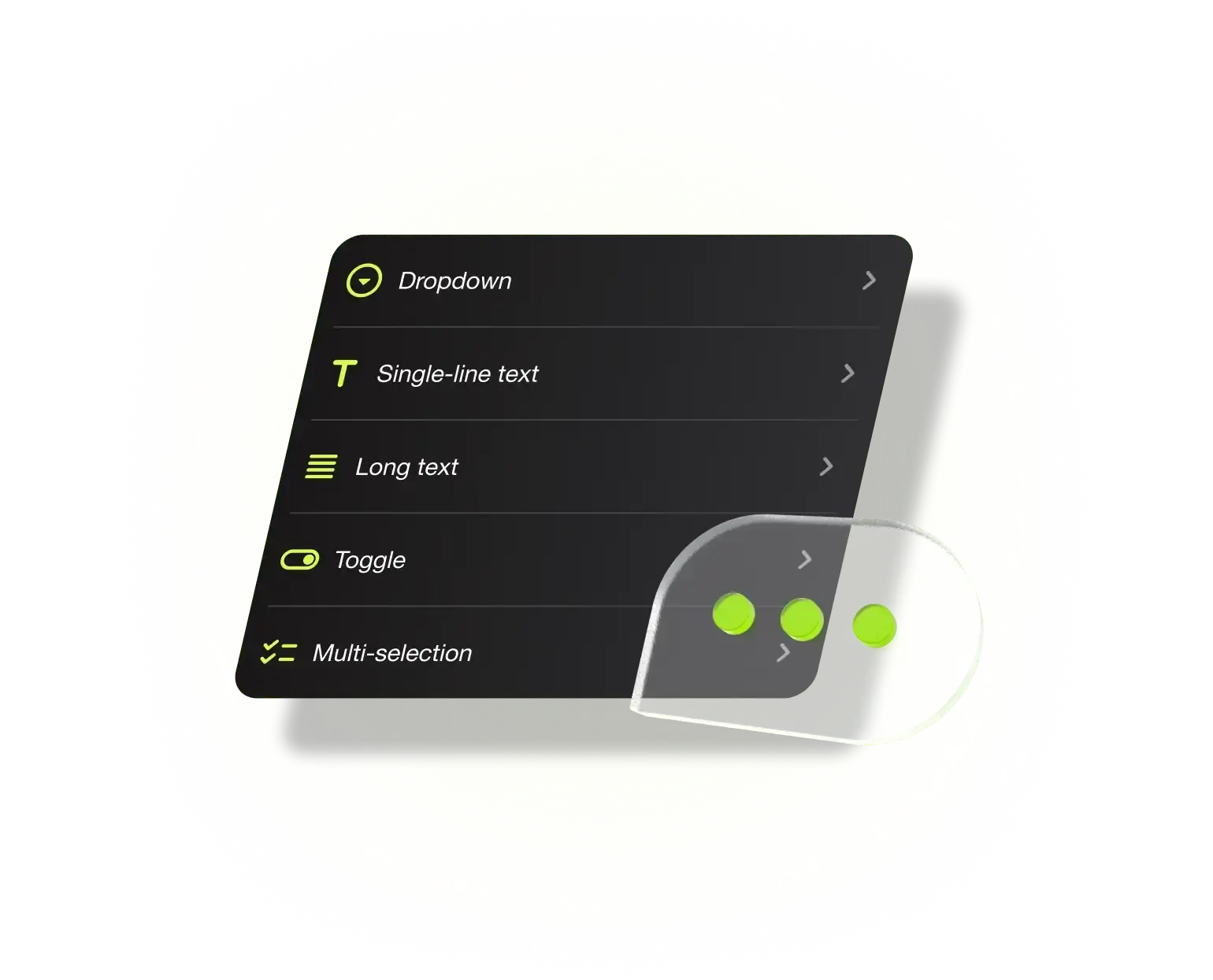
Add drop-downs, toggles or text fields for every specific data point you need.

Non-disruptive
Map to your existing workflow- sync to your CRM with zero duplications or manual errors.

Admin controls
Customize, edit, or remove fields through one centralized owner for streamlined team lead capture.
Covve’s Custom Fields help your team capture the data that matters
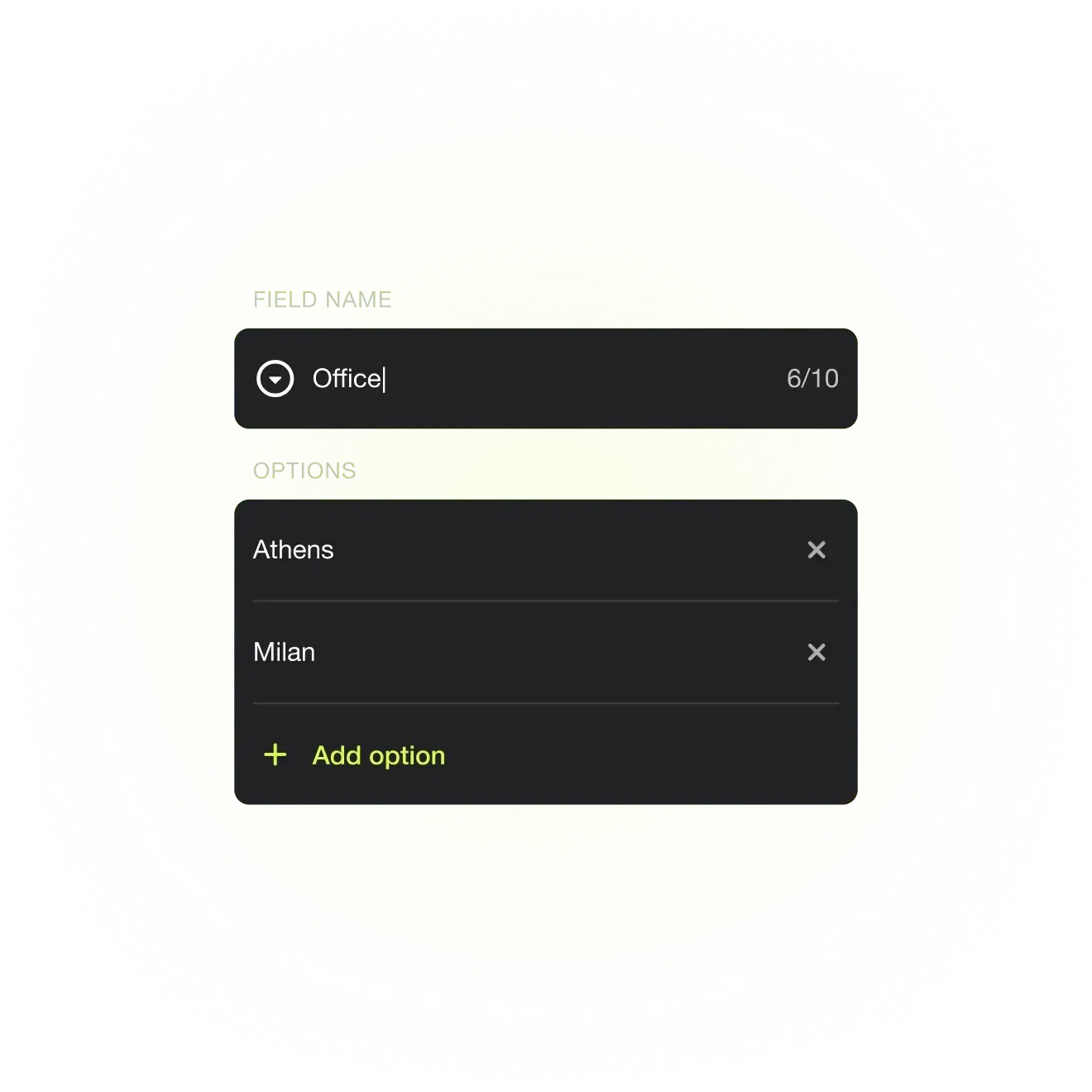
Dropdowns
Keep data consistent and easy to categorize across your team, such as lead source, deal stage, or priority.
Text fields
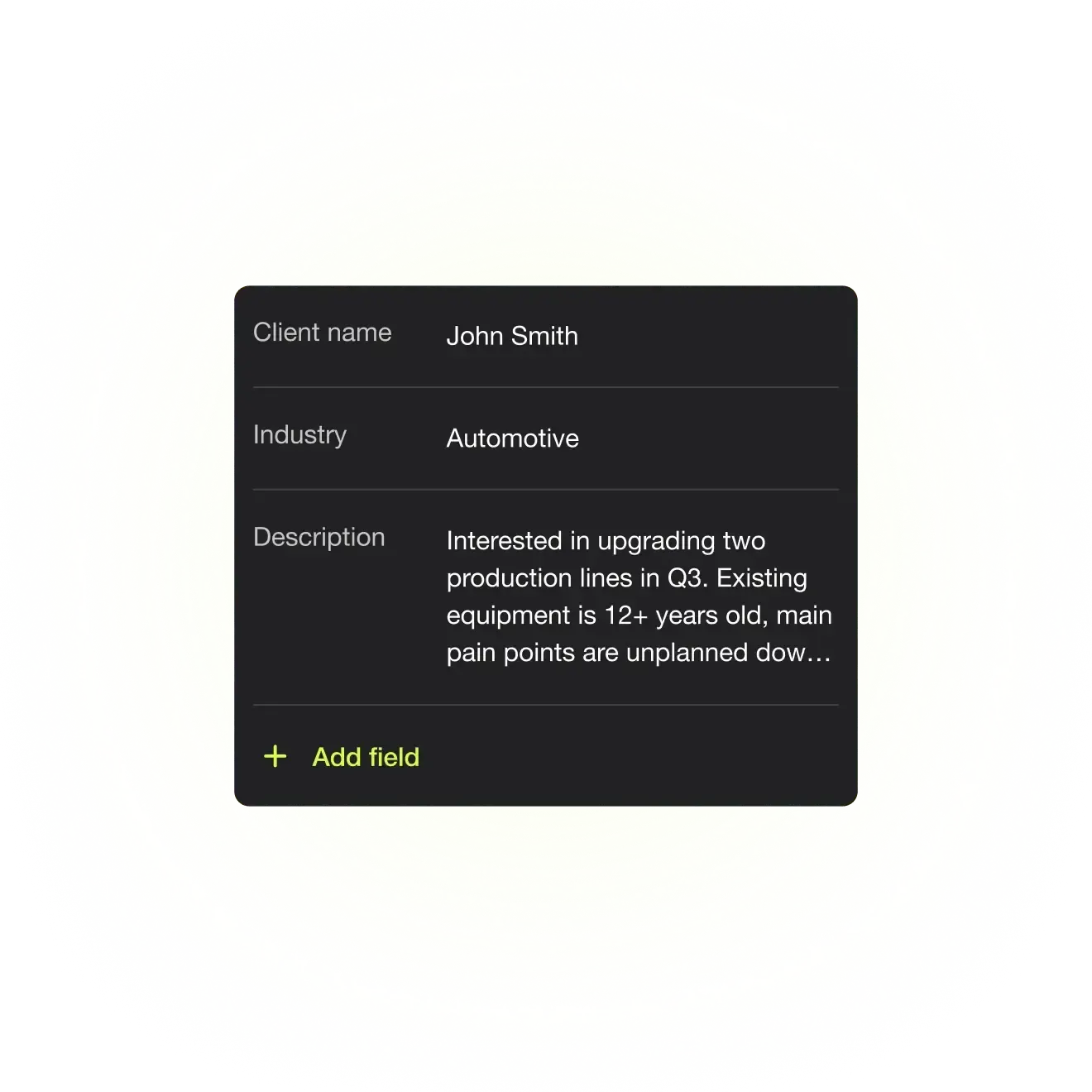
Capture critical details in your own words, including deal value, next steps, or key notes.
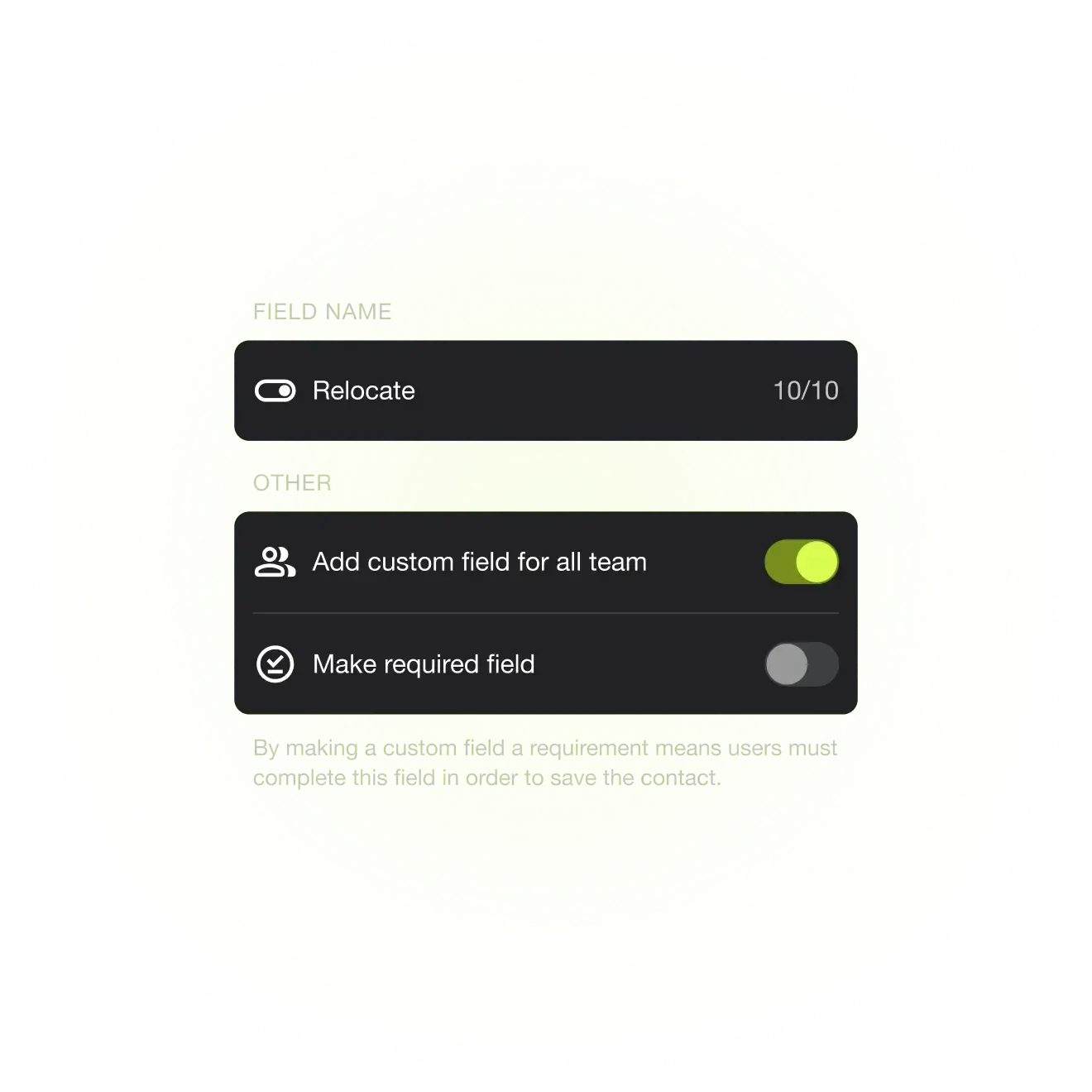
Toggles
Quickly flag important statuses with a simple on or off action, like VIP contact, follow-up required, or deal closed.
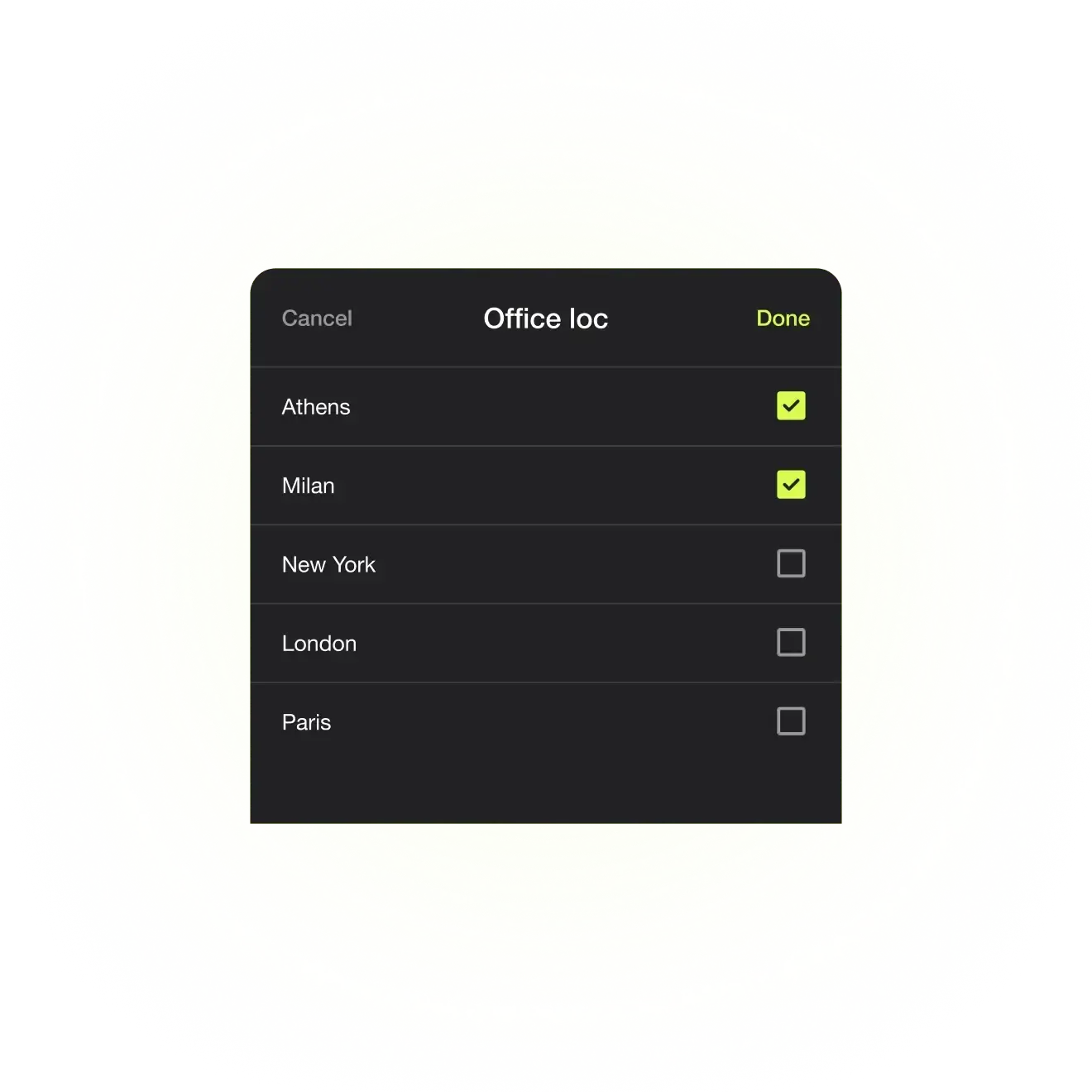
Multiselect
Select multiple relevant options at once to fully capture complex information, such as services interested in, industries served, tags, or stakeholder roles.
Designed for teams
Networking is simple. Your team’s lead capture process should be too.


Automate lead capture, reduce errors, and cut manual work with Covve.
Ask us anything
Here are our FAQs. If you have any other question, contact us.
Yes. Custom Fields sync automatically with your CRM with no duplicate entry or manual rework.
Covve supports dropdowns, text fields,and toggles, giving you flexibility to standardize data, flag key info, and add rich context.
Not at all. They enhance how data is captured and synced, without changing how you or your team already work.
Admins control all Custom Fields from a central dashboard, ensuring structure, consistency, and easy updates across the team.