Enhance your contacts’ photos on the fly, using your smartphone
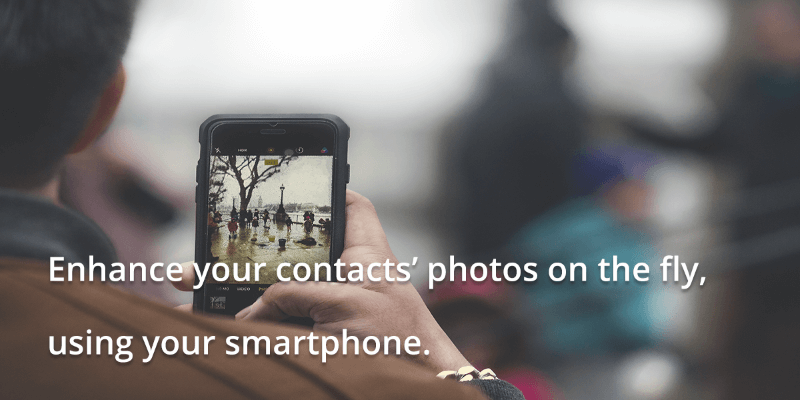
Enhancing a photo, is a great way to breathe new life in it, as almost every image can benefit from a little touch-up, whether it’s brightness imbalances, color correction, or red-eye removal. Luckily enough you don’t need to master Photoshop or Lightroom to perform these touch-ups, but you can do it with a click of a button on your smartphone!
You can find a lot of apps in Google Play Store or Apple’s App Store that can do this job for us , so let’s have a look at one of them, Airbrush which is available for Android and iOS :
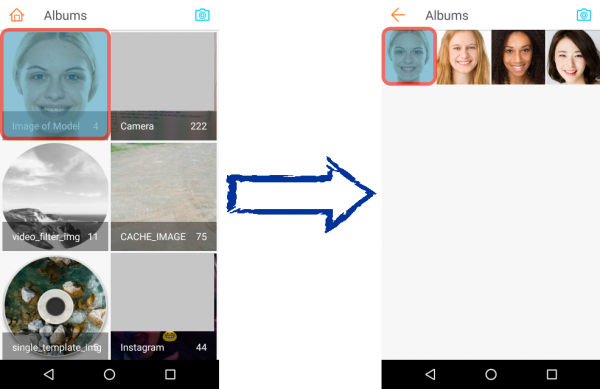
1) Open the app and tap Library.
2) Browse through your phone’s saved photos and choose a photo.
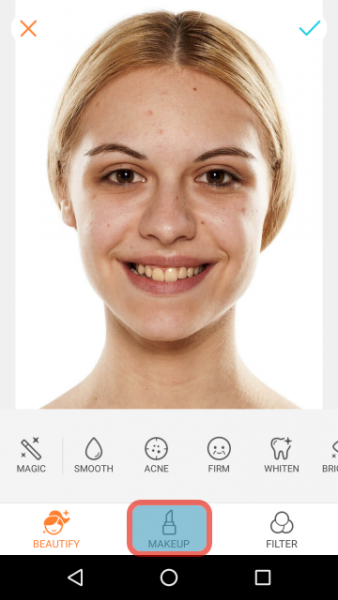
3) Once your photo is loaded, tap Makeup.
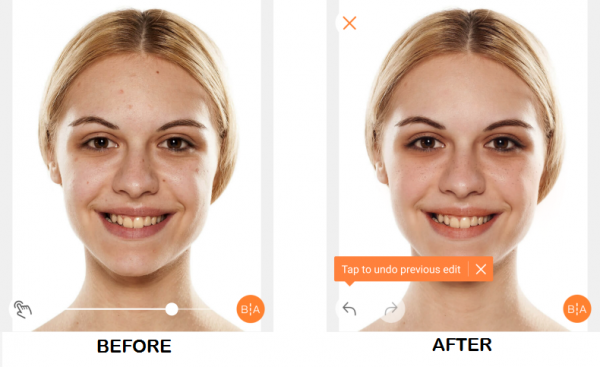
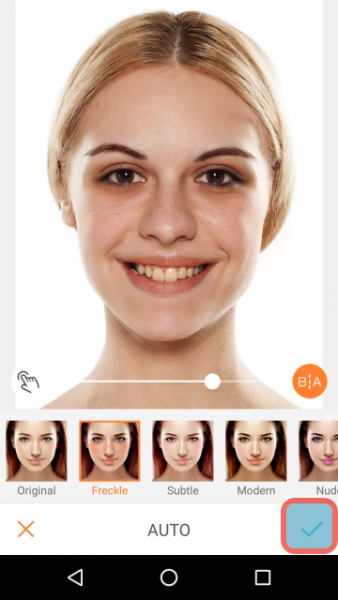
4) You can see changes straight away, on your contacts’ face. Tap on tick symbol on the bottom right corner.
5) You can find the enhanced photo at the path indicated under “Saved Successfully”. You can also share it in various social media such as Instagram, Facebook and Twitter.

6) Once you enhance your contacts’ photo, then you can add on your contacts’ avatar within Google Contacts.