
Voice capture
Create contacts and add notes on the go by speaking out the details. Covve captures everything and saves it as a ready-to-use contact.
Designed for busy professionals
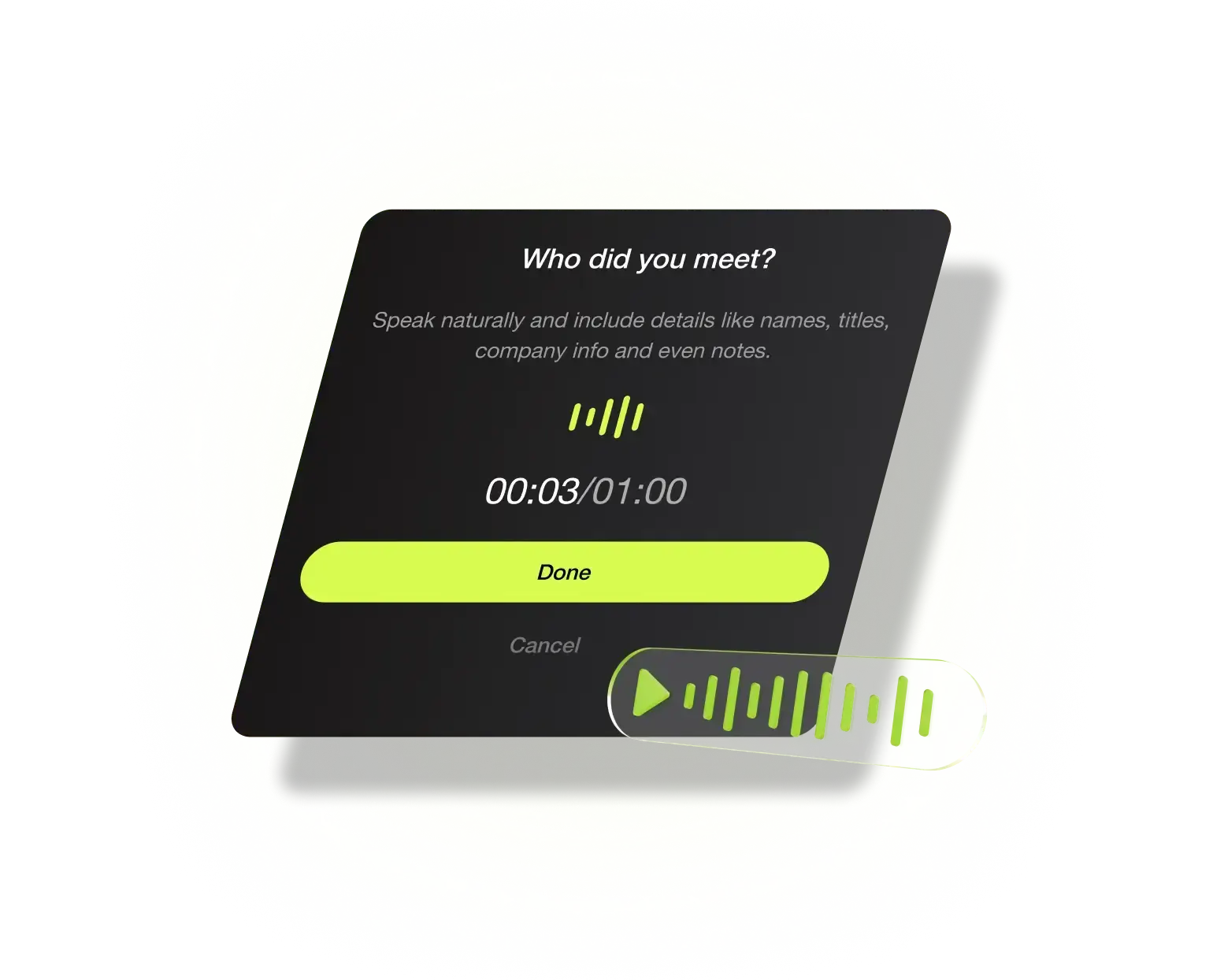
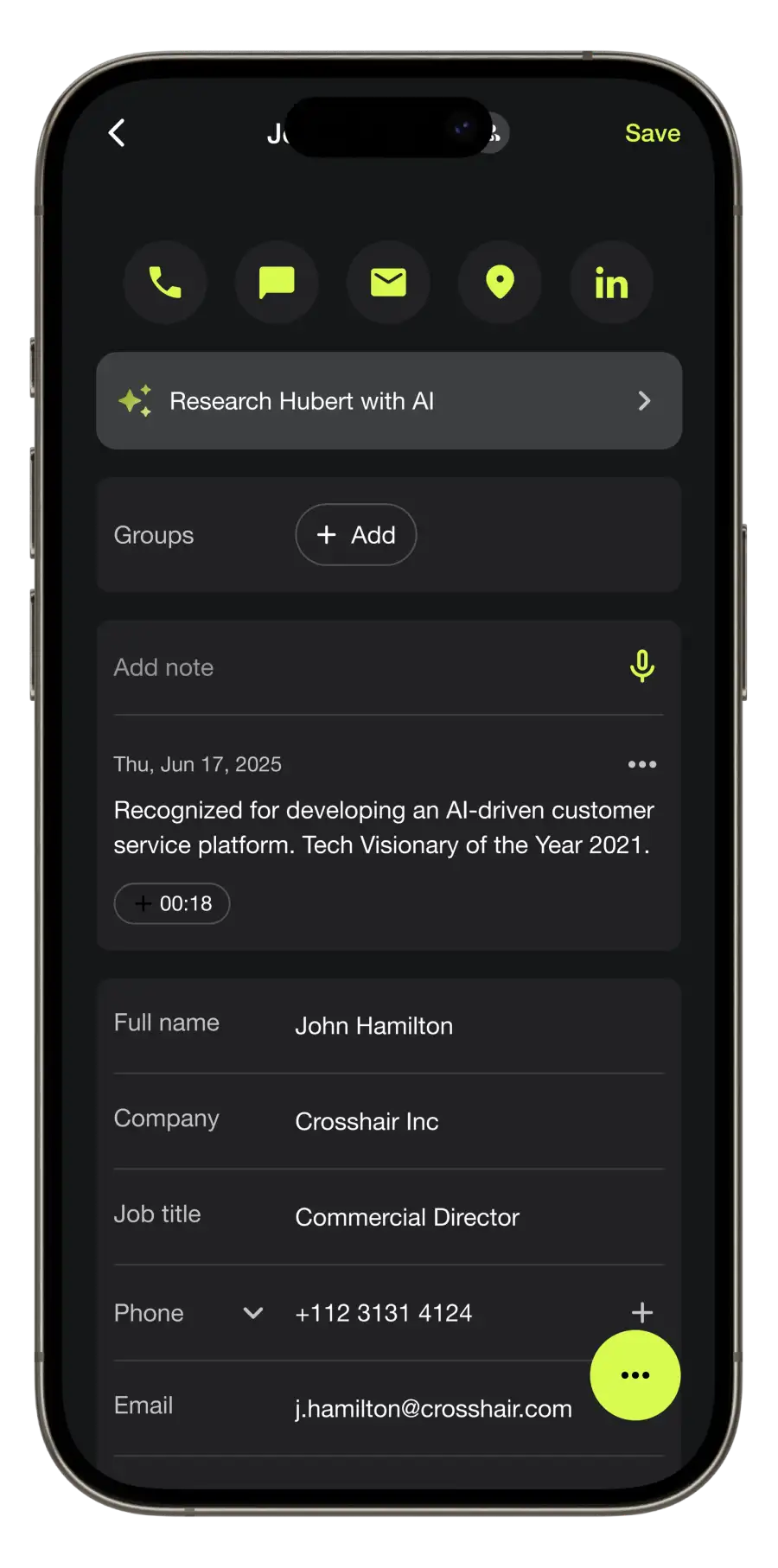
Voice capture lets you add a new contact and add notes by simply speaking in natural language.
Why use Voice Capture?
Why type when you can just speak? Easy and fast lead capture.
Create contacts using voice capture
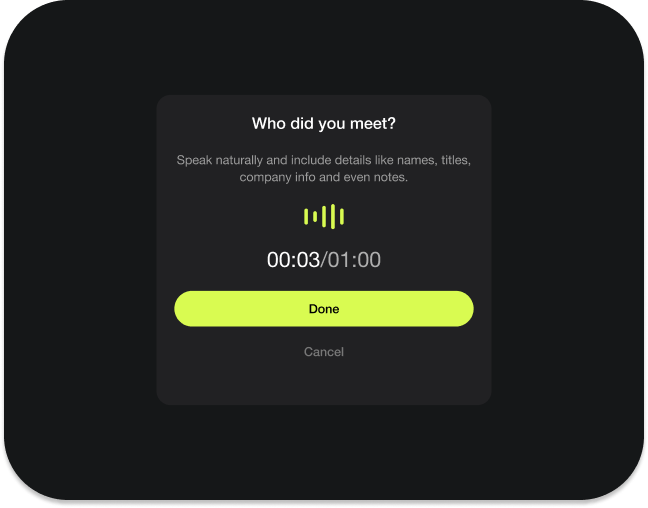
Covve listens, transcribes, and automatically creates the contact for you, complete with any details you've shared about your new contact in your audio recording.
Add notes using voice memos
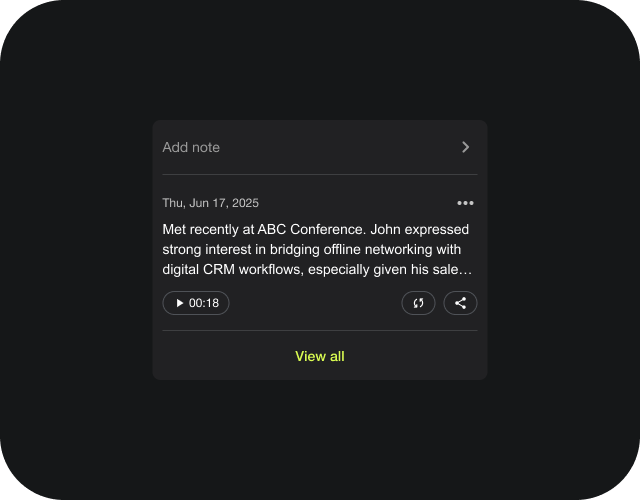
Easily capture and update notes after every interaction by adding voice notes. Covve will automatically store and organize your notes history, making it simple to keep track of all your interactions.
Designed for teams
Networking is simple. Your team’s lead capture process should be too.


Automate lead capture, reduce errors, and cut manual work with Covve.
Ask us anything
Here are our FAQs. If you have any other question, contact us.
Voice Capture is a Covve Scanner feature that lets you create a contact or add a note just by speaking. Say who you met and what you discussed, and Covve turns it into a structured contact with each detail in the right field. It works in multiple languages, so you can capture leads on a busy show floor or between meetings without typing.
Just speak using natural language the same way you would to an assistant or colleague. Covve transcribes your input and creates a contact instantly with all the shared details.
Yes. Add voice notes anytime, including after meetings, calls, or on the go. Notes are transcribed and saved directly to the contact profile with a note history summary so you’re always up to date.
Voice Capture shines when you’re on the move, for example, at events, between meetings, or whenever typing isn’t ideal.
Yes. Voice Capture saves time, cuts down on manual entry, and ensures accurate, consistent contact data.