
Covve vs iCapture
iCapture starts with a demo. Covve starts with your first scan.
Covve gives trade-show teams lead capture they can switch on today. Scan any event badge, business card or QR code in 60+ languages, qualify each lead with Custom Fields and send it to your CRM. Pricing is posted, there is a plan for one rep or the whole team, and your 14-day free trial needs no demo.


4.8 from 4,081 App Store ratings
ISO 27001 · GDPR · CyberVadis Platinum
Live before lunch
No implementation project. Your first lead is in your CRM the same morning you sign up.
9:00

Pick a plan, start free
Download Covve and choose a plan from the pricing page. Your 14 days start now.
9:15

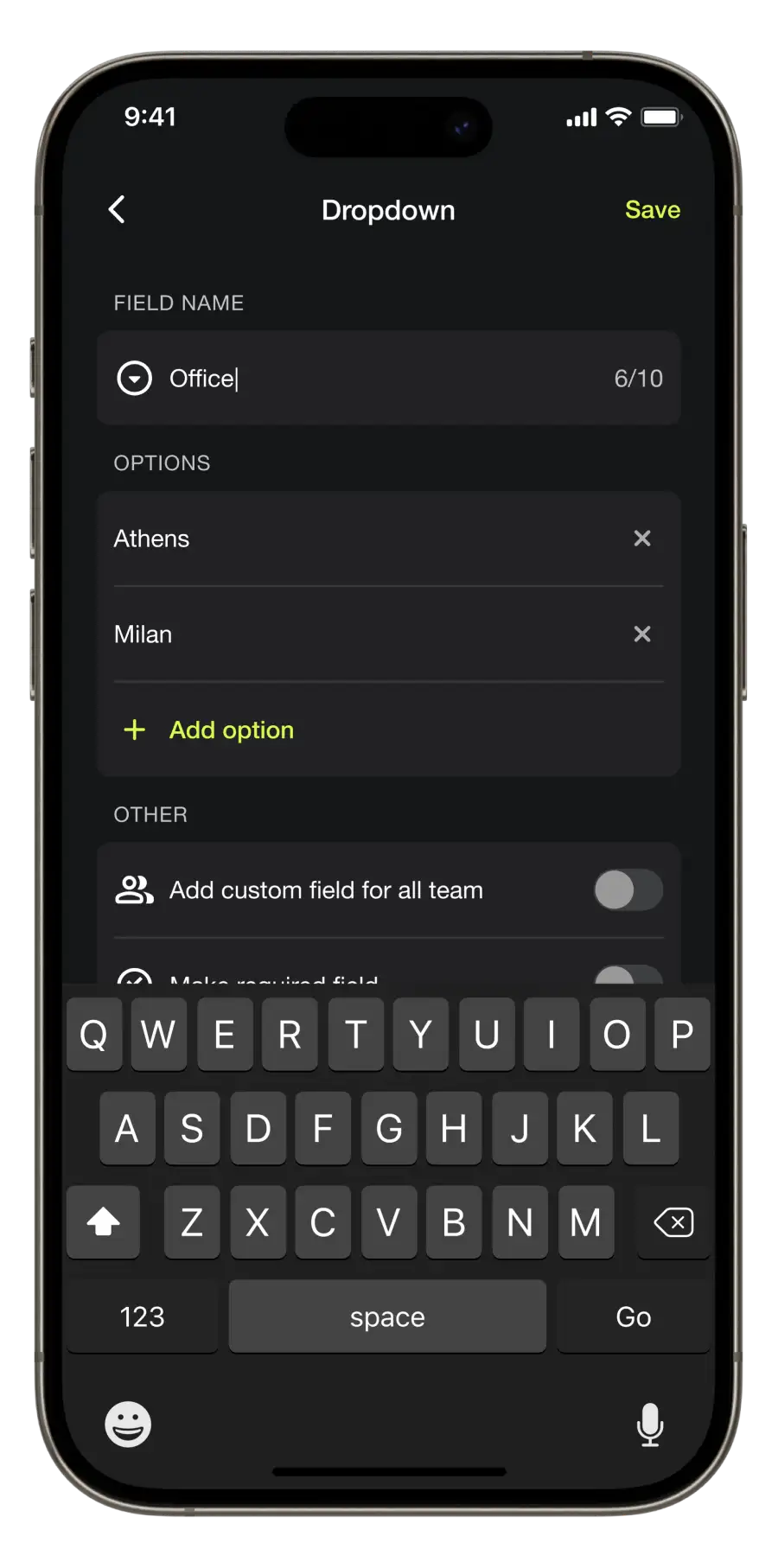
Set your questions
Add the Custom Fields your reps fill in at the booth and invite them to the Team workspace.
9:30

Connect your CRM, scan
Link Salesforce, HubSpot, Zoho, Pipedrive or Dynamics 365 once. Every badge you scan lands there.
Covve vs iCapture before your next show
| Start todayCovve | iCapture | |
|---|---|---|
| Start on your own | Today | Demo first |
| Pricing | Posted | Quote |
| Try it first | 14 days free | Demo instead |
| Event badges | Any badge, any show | Via badge kits |
| Card languages | 60+ | Not stated |
| Card accuracy | 96% | Not stated |
| Offline scanning | Plus weak-signal alerts | Offline mode |
Your phone is the badge scanner

01 · Scan the badge
Point your phone at the badge (Pro and Enterprise). Cards and QR codes in 60+ languages too.

02 · Add the note
Say it with Voice Capture, then fill in your Custom Fields (Pro). Every rep asks the same questions.
03 · Lead in your CRM
Salesforce, HubSpot, Zoho, Pipedrive or Dynamics 365: an add-on on Pro, included in Enterprise. Google Contacts and Outlook directly, and Zapier, on every plan.

04 · Follow up with context
AI Lead Qualification puts a bio, a company snapshot and talking points on every lead. Your reps know who they met.
No badge kit. No CSV imports after the show.
Every show teaches the next one


Before: set up with us

During: real-time lead tracking

That evening: see which reps delivered

Next show: do it better
Know the price before the show, not after the call
Buying iCapture
Request a demo → get a quote → subscribe.
iCapture is sold through Cvent’s sales team, and the app needs a subscription before it captures a lead.
Buying Covve
Read the price → start free → scan.
Posted per seat, monthly or yearly. One rep for one show, or the whole team for the whole season.
Worth it, say
the people paying
Verified reviews on G2 and five stars on the App Store.

I never review software but this is really good. I also basically never pay for software and this was well worth the price

I love using Covve as it is my go-to mobile card scanning application during networking events, trade shows, and client meetings. It digitizes contact info quickly, saves it to my phone, and syncs with other tools.
App is great! Does exactly what I needed and more. The customer service is just awesome, helped me with something I was worried is not doable in no time really. Very positive experience.
Covve lets me capture leads quickly at conferences and take notes on each one, and the way it recognizes contacts on my phone works really well.
You can upload the list to a spread sheet and not all the apps can do this! The price is worth it
Looking for an iCapture alternative?
Covve is the iCapture alternative for teams who want lead capture this week, without a buying process first.
Read the price, start free and scan any badge at any show. When the show is over, the web-based Covve Portal tells you how it went.
Before you book that iCapture demo
Rather talk to a person? Ask us and one replies.
Yes, for teams who want to start now. Covve scans any event badge, business card or QR code in 60+ languages and sends each lead to your CRM, with posted pricing and a 14-day free trial instead of a demo and a quote.
Yes. Choose a plan on covve.com/pricing, download the app and your trial begins. If you would like a walkthrough, book a demo, but nothing waits on one.
Yes. Covve Pro reads the event badge itself, so it works at any show without a badge kit to set up. Business cards and QR codes work at the same booth.
Keep scanning. Covve works offline and alerts you when the signal is weak, so no lead is lost, then syncs everything to your CRM once you are back online.
Yes. Covve is priced per seat, so one rep can take Pro to one show and the rest of the team can join later. Every price is on the pricing page.
On Pro, the web-based Covve Portal shows your leads by event and by rep as they come in. Compare one show with the last and plan the next with real numbers.
Your next show is closer than a quote.
Start free today and walk into your next trade show ready. No demo, no quote, no waiting.